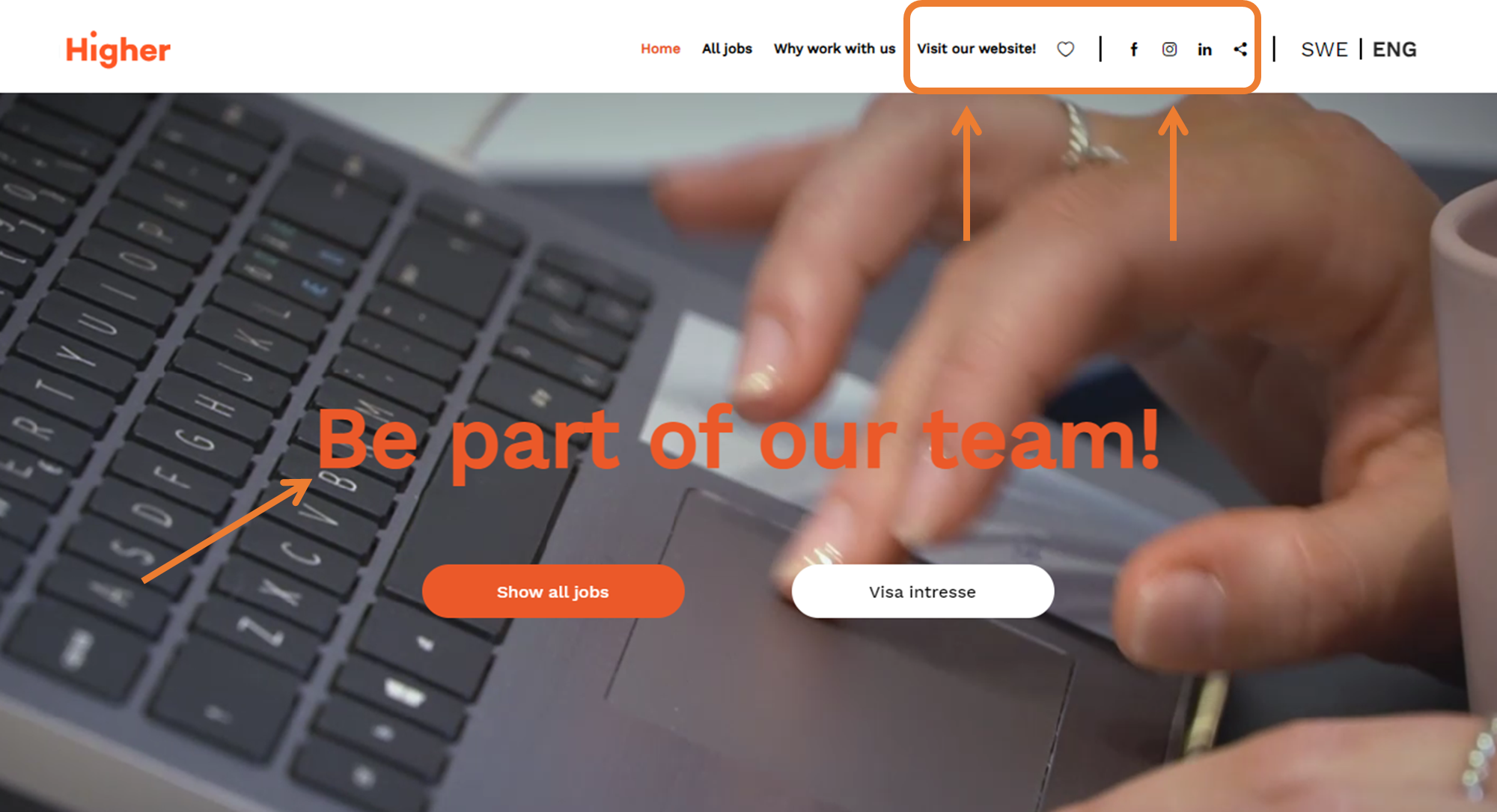
In this article, you can read about the settings you can set under Company Information
To change company information in Higher, you need to navigate to
Overview > Settings > HR settings > Company information
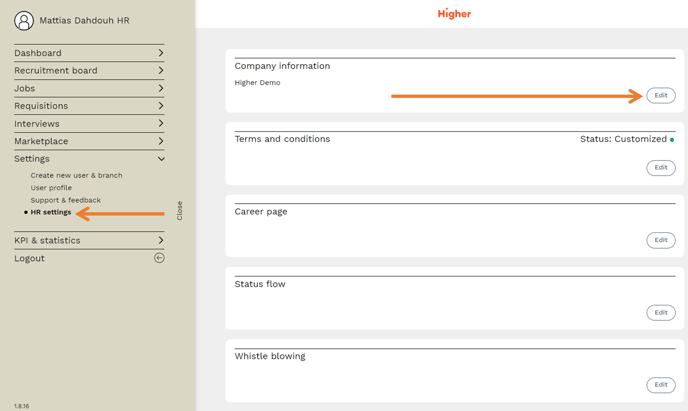
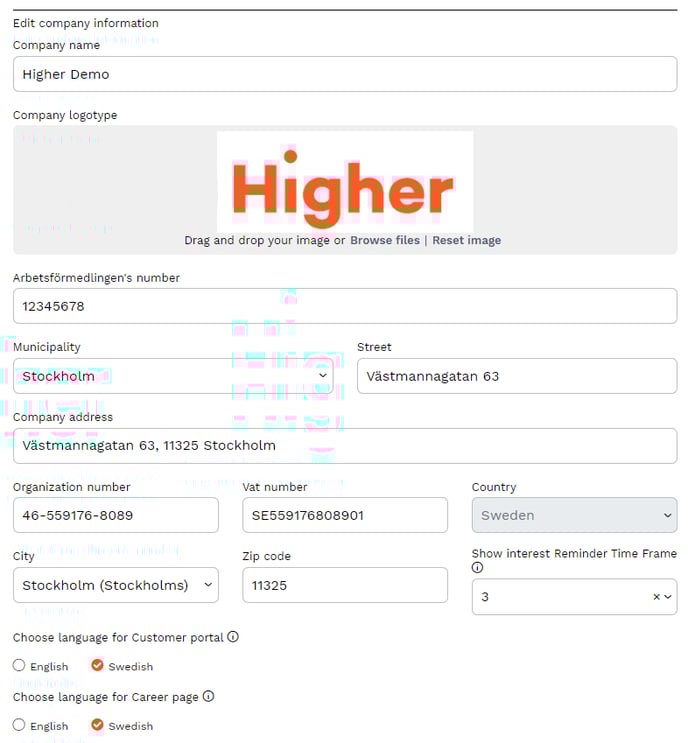
Here you can change information such as the details of your company, your logo, name, the language you want on the career page and the customer portal.
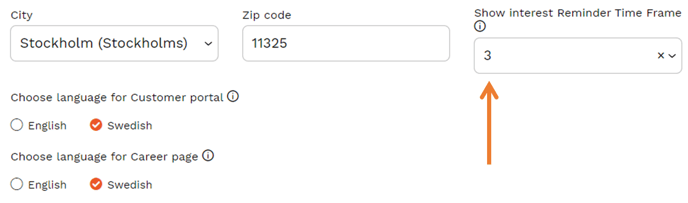
This is also where you set the "Show interest - reminder time frame". The selected value is referred to months. It determines how often Higher will send an email to the candidates who have sent their unsolicited application to you. This only applies to users who have chosen to activate "Express interest" on their career page.
You can also enter the links you have to your social media on this page and change the URL label (i.e. what should be displayed instead of "Company website" which is the default today on the career page). Primary color sets the color theme of the career page and you can also decide whether all new ads published have an anonymous application flow or not.
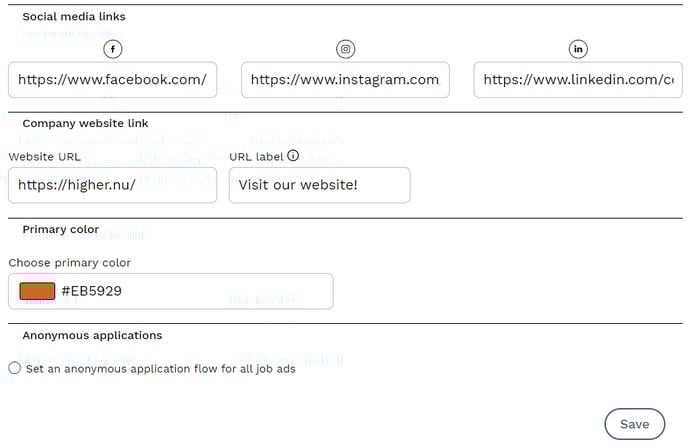
💡 URL label sets the display name for the website link, in this case "Higher.nu".
💡 Social media links will unlock the respective symbol to the right of the company homepage.
💡 Primary color determines the color theme of the career page.