
Learn how to create skills questions using AI.
The new AI generation feature for skills questions is available from 1st November 2024 to all our Higher customers. The feature offers free usage up to a value of 100 SEK per year. If this limit is exceeded, it will transition to a paid plan at cost price, with billing for the excess usage occurring annually. Terms and pricing are subject to change, and any such changes will be communicated in advance, at least one month before the new terms take effect. The average cost per generation is approximately 0.50 SEK, meaning customers can create between 100 and 200 AI generations for free.
In Higher it's possible to create Skills questions with the help of AI. The AI will create questions based on the following rules, parameters and conditions.
- Job title
- Job description
- Keywords
- It will generate and amount between 5-15 questions and once generated, you can't regenerate new questions for that specific job or template.
- All generated questions that you use, will be saved in the library in case you want to re-use previously generated questions.
- The AI will use the language you type in. For example - if your company is based in Germany but the job ad is written in Swedish then Swedish will be used for generated content and vice versa.
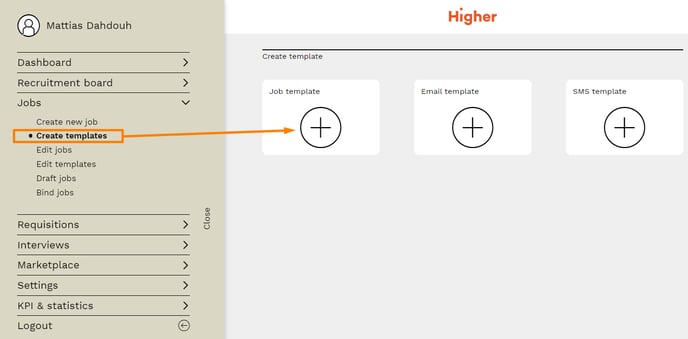
Start by creating a new job or job template
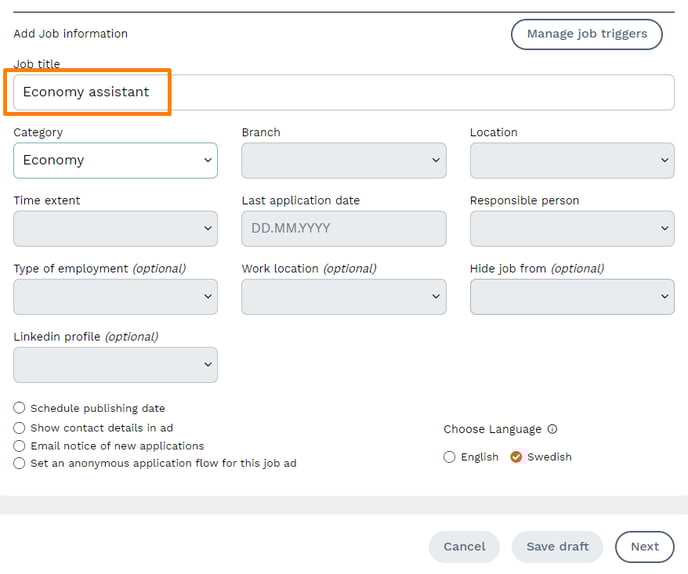
Fill in the required information, make sure you're using a well-established job title so it's easy for the AI (and more importantly, the applicants) to understand what the role is.
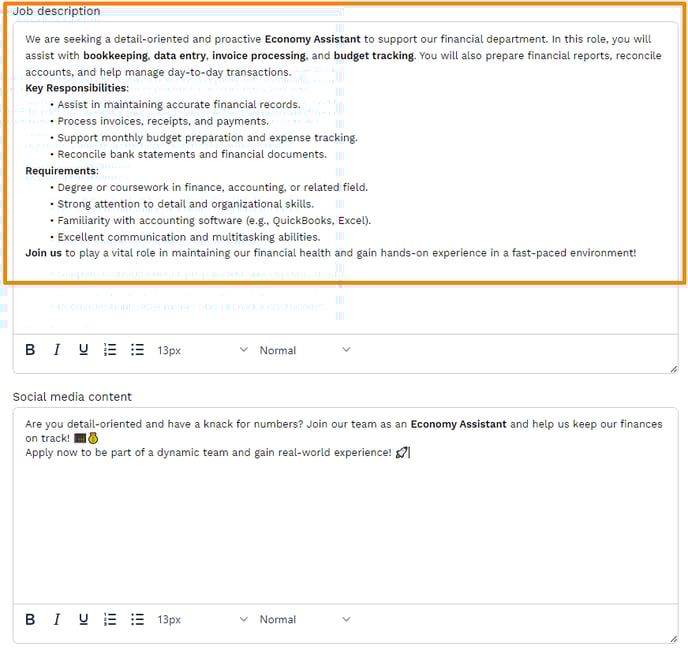
Same goes for the job description, make it short but descriptive, so the AI and your applicants can easily understand the role and requirements.
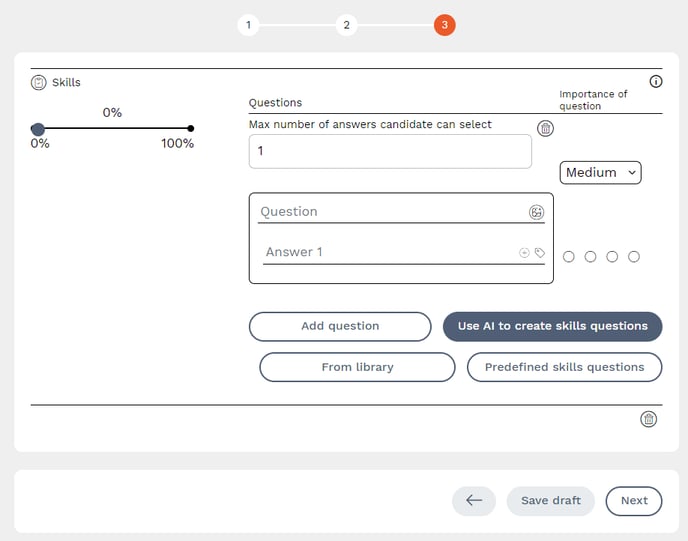
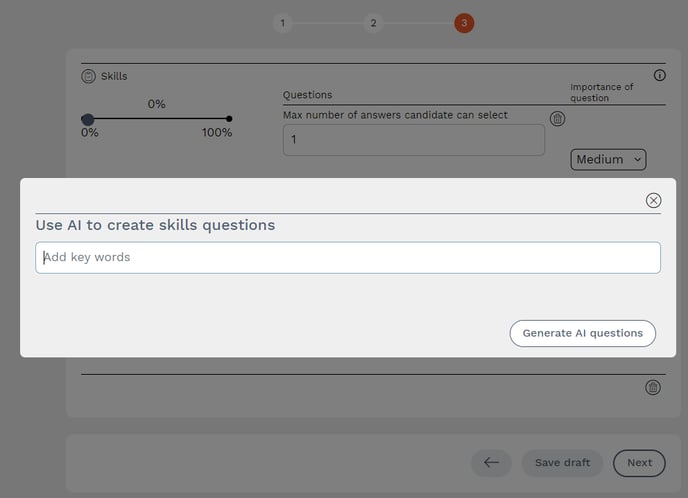
Press "Use AI to create skills questions"
If you want, you can use keywords in order to enhance the roll even further so the AI gives you more relevant questions. Keywords are separated with comma's.
For example you can specify if it's a senior or junior roll, if you want more focus on background, education etc. When you're done, press "Generate AI questions" and wait.
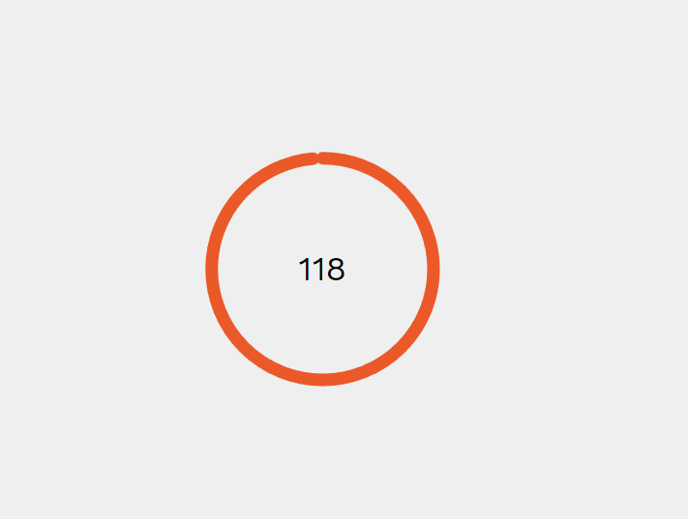
Upon pressing generate AI questions, you will see a countdown timer indicating that the AI is working on creating some questions for you. Don't worry, most of the time it takes around 30-45 seconds for it to complete.
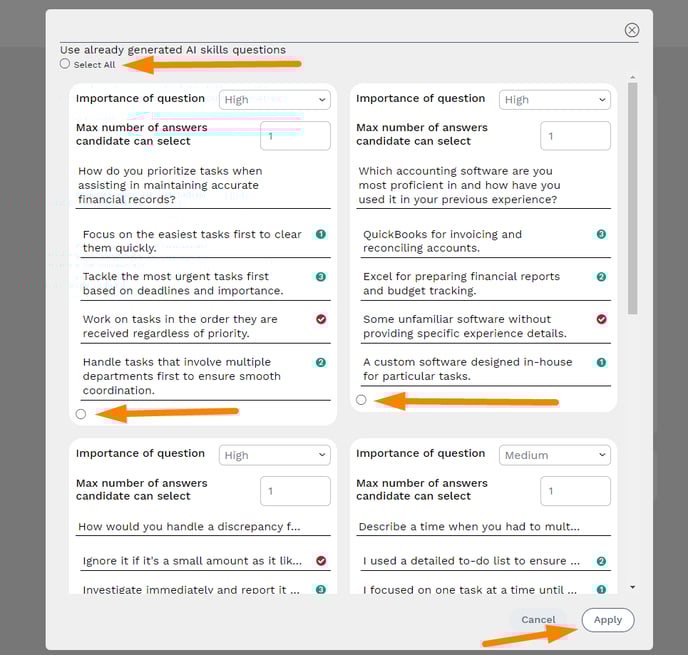
When the generation is finished, you can see and choose which questions to include. You can select all of them or one-by-one. Press "Apply" when you want to proceed.
The AI will always generate a number between 5-15 questions depending on roll and job description.
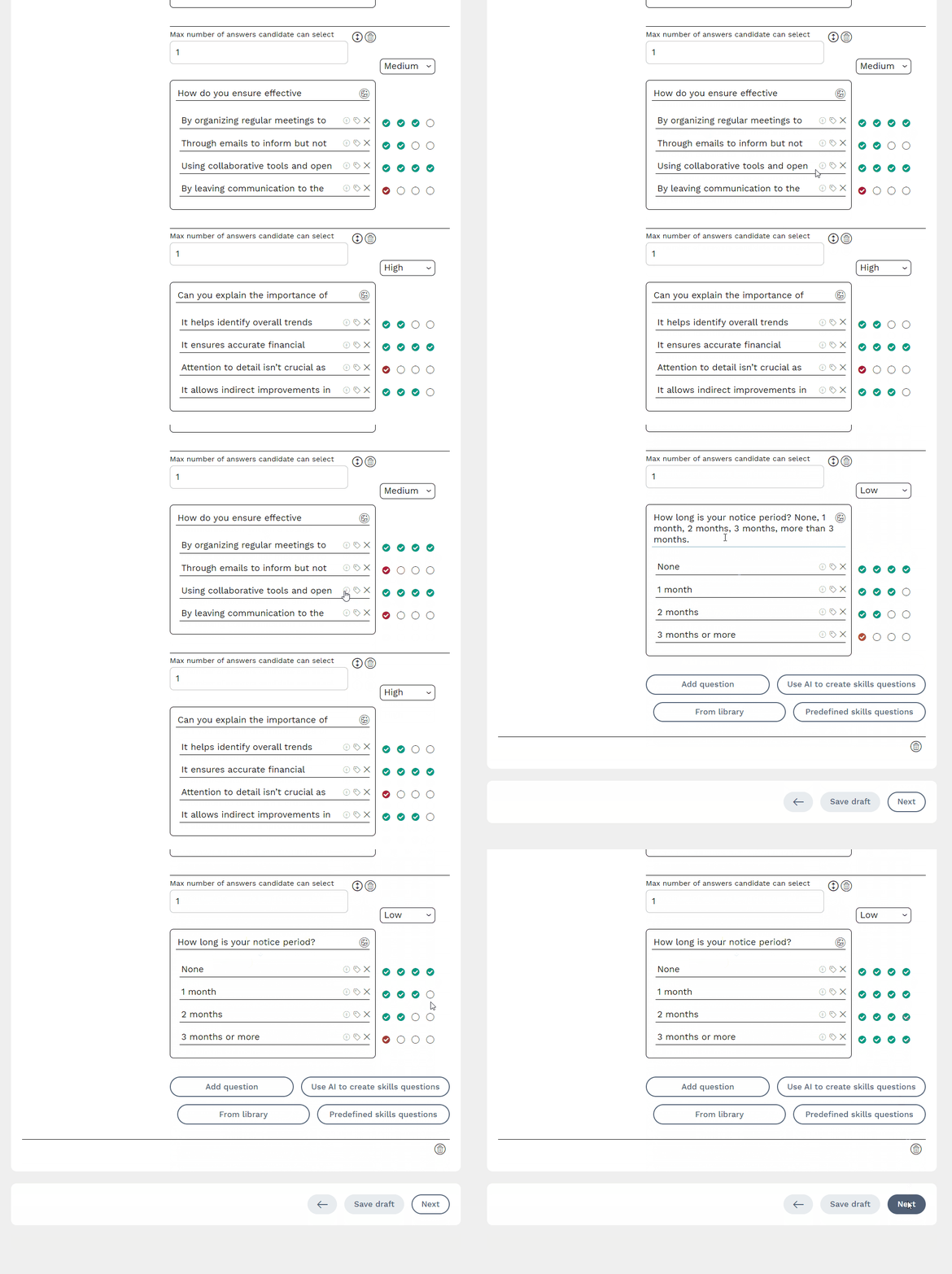
After the changes have been applied, all questions will be included in the job ad/template, and you can adjust them as needed. Always review the AI's suggestions carefully, as it is not entirely accurate every time. Feel free to change or remove questions that do not fit the role.
The new AI generation feature for skills questions is available from 1st November 2024 to all our Higher customers. The feature offers free usage up to a value of 100 SEK per year. If this limit is exceeded, it will transition to a paid plan at cost price, with billing for the excess usage occurring annually. Terms and pricing are subject to change, and any such changes will be communicated in advance, at least one month before the new terms take effect. The average cost per generation is approximately 0.50 SEK, meaning customers can create between 100 and 200 AI generations for free.