
- Higher | Help Center
- Templates
- Job template
Create a copy of a Job Template
In this article, you will learn how to copy a job template.
If you have created a job template that you want to reuse, you can create a copy of the job template.
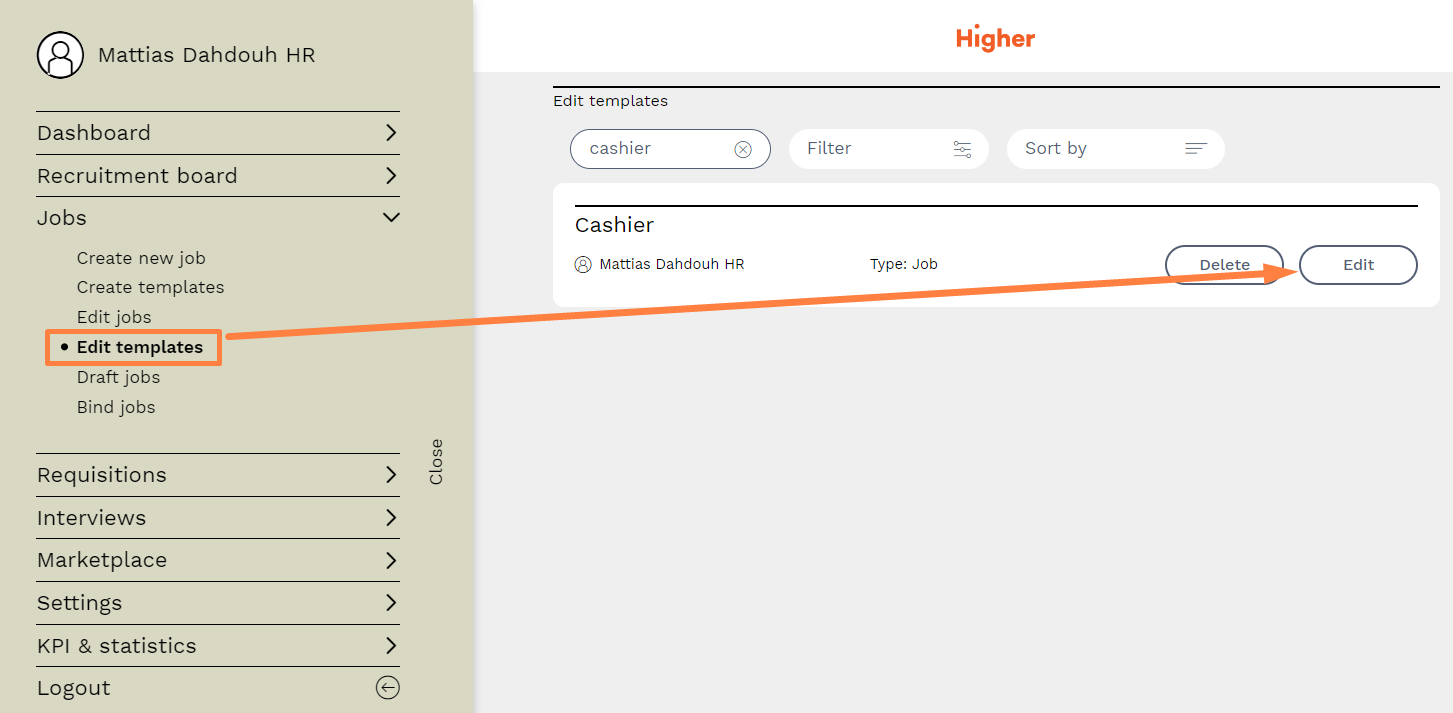
Navigate to Menu > Jobs > Edit Template > Edit for the template you want to copy.
Scroll to the bottom of the page and click on Copy Template. A copy of your job template will be created. Note that X adds "- created copy" after the job title of your new template copy, and you may want to remove this (see GIF).
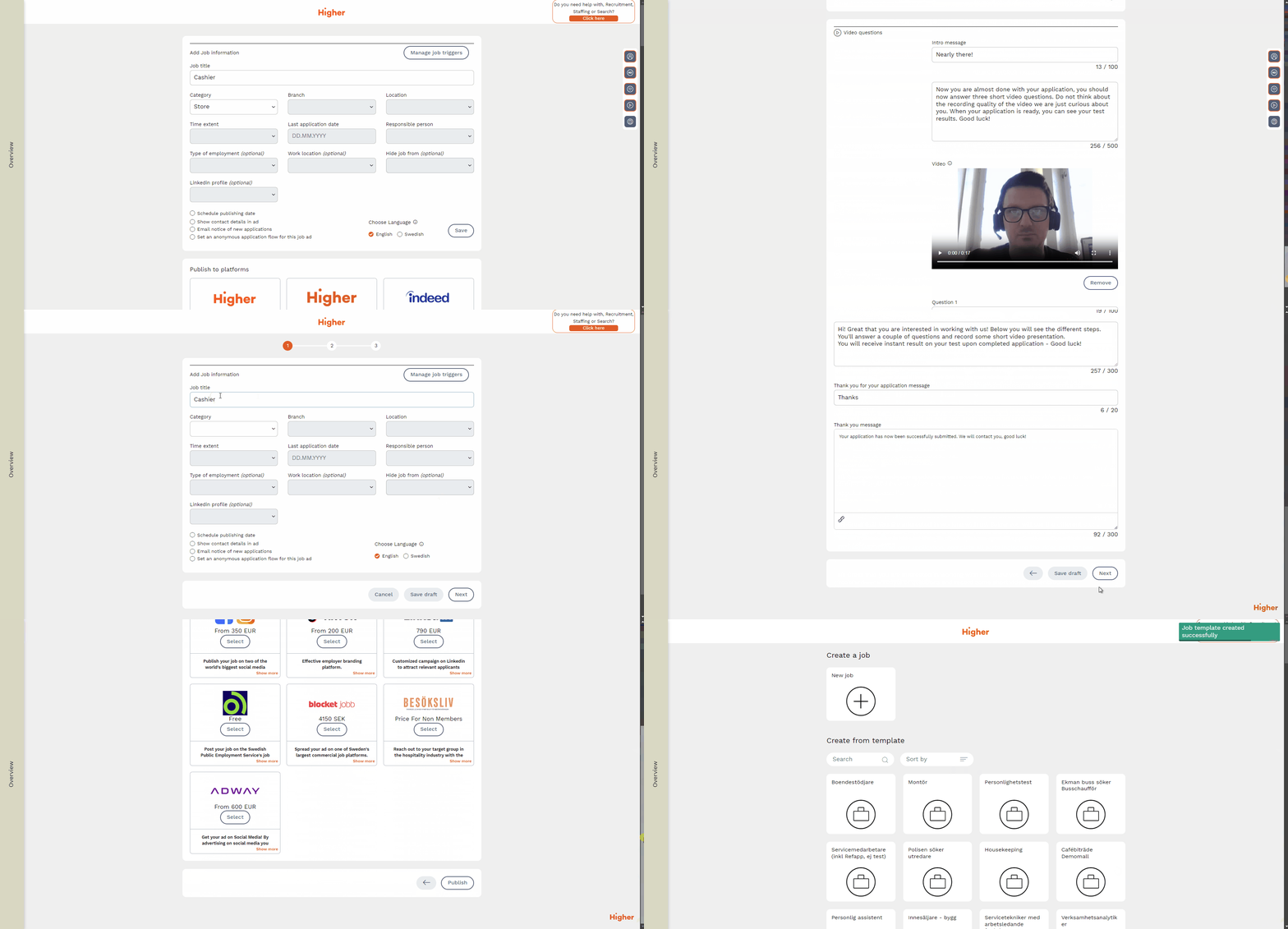 Now you can complete all the steps as if you are publishing a new job template.