![logga.png]](https://forum.higher.nu/hs-fs/hubfs/logga.png?height=40&name=logga.png)
All questions entered into job templates and job postings are saved in the question library for you to reuse. The questions can be filtered based on category, ad, template or language. If a question is no longer relevant, you can hide it. Only the user who created the question can hide it.
Hide questions
1. Go to "From library", either by editing a template or creating a new job. In this example I will navigate to "Menu > Job > Edit template".
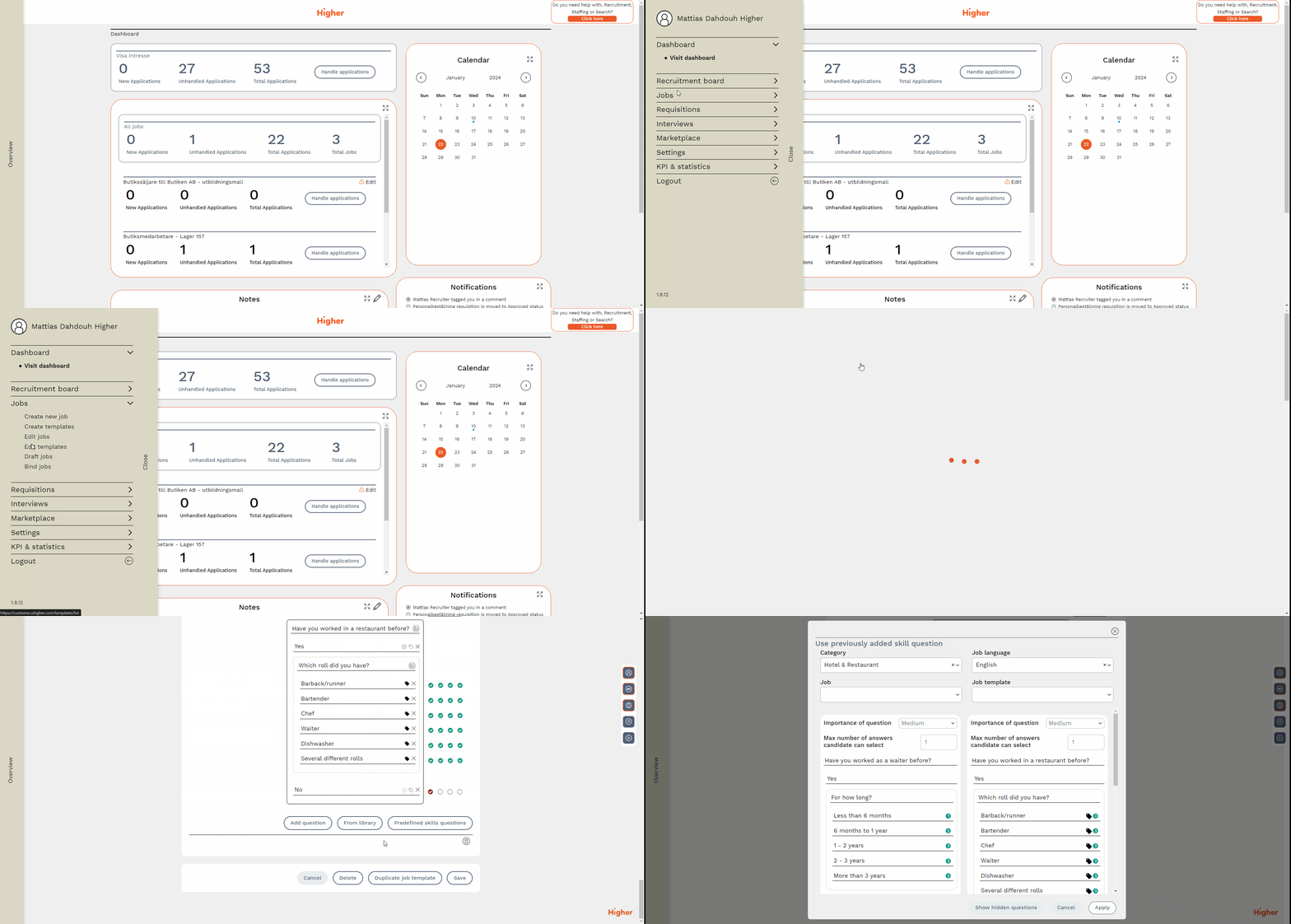
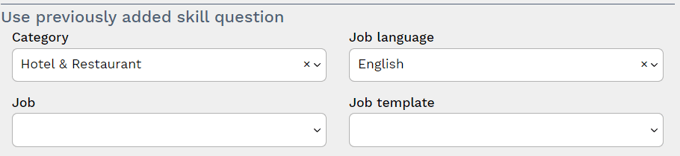
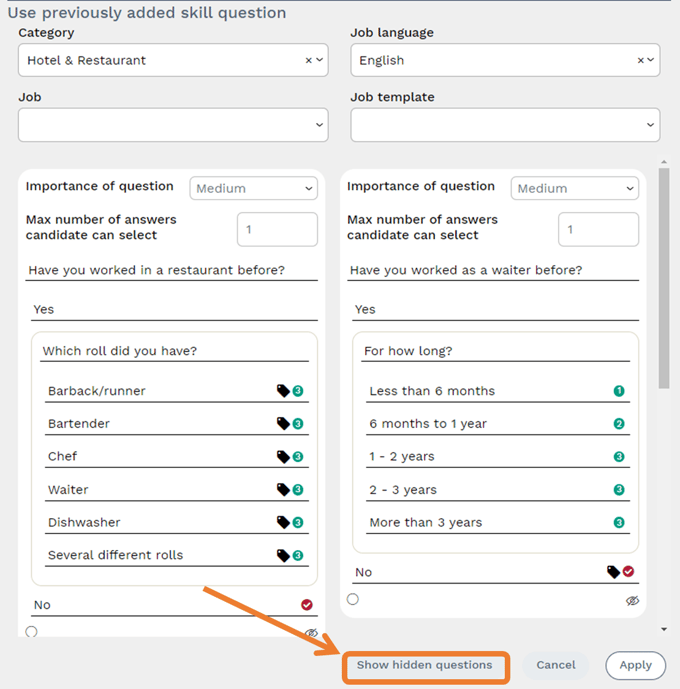
2. Search for the questions you want to see with help of the given parameters.
3. If the question can be hidden, you have to press the  -symbol
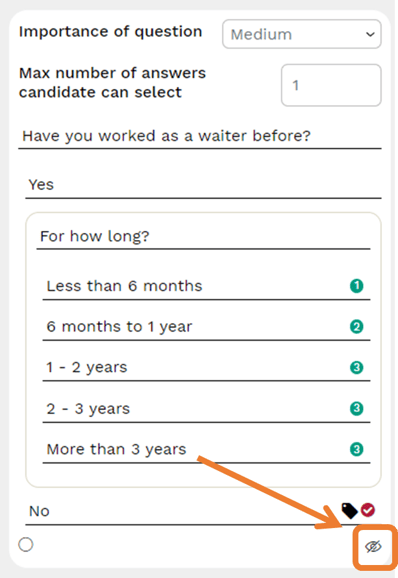
❗ Only questions that your user has created can be handled in this way. If there is no  -symbol, then another user in the system has created the question.
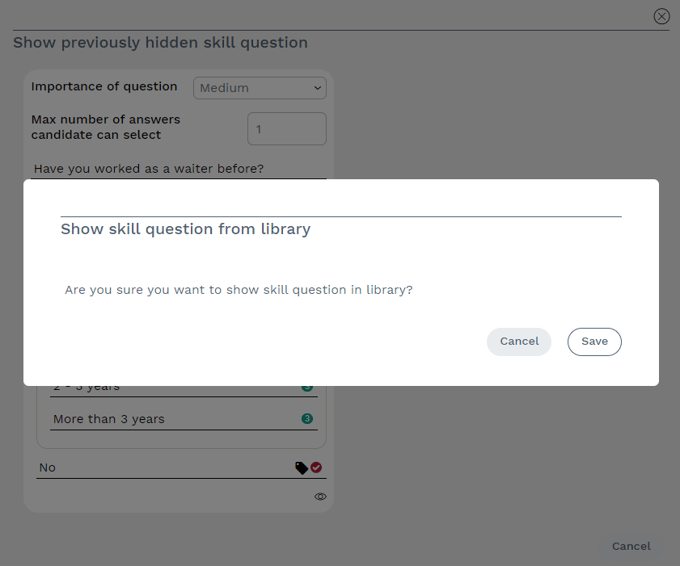
4. To show hidden questions tap on "Show Hidden Questions" from here you can choose to show them again. Only questions that your user has hidden can be shown again.
5. If there are any hidden questions, you will see this immediately. Press  to show the question again.
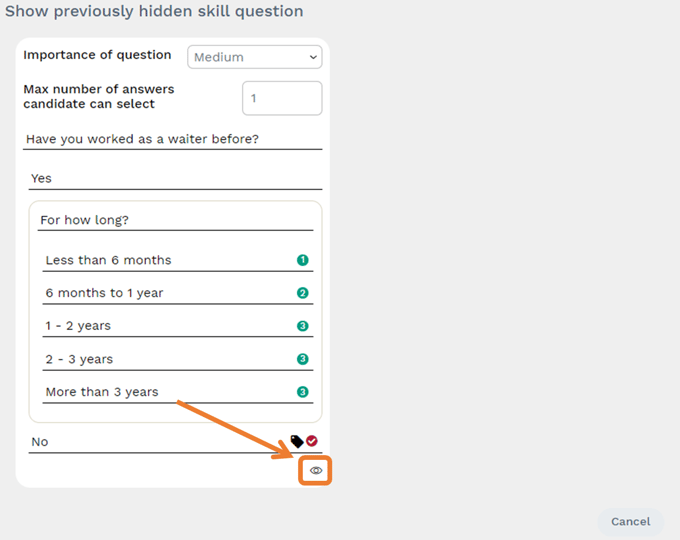
Press "Save" to confirm changes.