![logga.png]](https://forum.higher.nu/hs-fs/hubfs/logga.png?height=40&name=logga.png)
Skills and experience questions
Weighting answers and questions
Example 1 - Finding general interest
Example 2 - Testing knowledge with images and videos
Depending on whether you want to use the psychological test in the application process or not, the number of questions you should use may vary. To ensure competence based on the requirements profile, you should ask between 10-15 questions. If you want to build your own questions instead of the psychological test, you can use all 30 questions. The number of questions may vary depending on the position.
- Take out the requirements profile or advertisement and make a note of the requirements, qualifications and desirable skills/qualities.
- Think, what would you look for in a resumé?
- Think what kind of profile the team is in need of for this recruitment.
- Then you can start to shape questions that are linked to the above scenarios.
Keep in mind that if you are using personality tests, it is appropriate to use about 10-15 questions in the skills/CV part
Skills and experience questions
Here you make sure that you map the competencies based on the advertisement or requirement profile that forms the basis for the recruitment. You ask questions about experience, knowledge, education, industry experience and specific systems.
What is your level of education?
How much experience do you have in/of xx?
Situation-based questions
Ask questions about typical situations that may arise in your workplace, for example around prioritization or conflict resolution.
How do you act when xx?
The candidate is faced with different scenarios, in what order do you prioritize/act?
Attitude/motivation questions
Do you use to ensure that the candidate will be long-term at their workplace. These questions give you an idea of the extent to which the candidate is committed to the job they are applying for.
What is most important to you in a workplace?
What do you want your immediate manager to be like?
What drives you in your role as xx?
Factual questions
Used to ensure that the candidate matches the needs of the position. Typical questions may be related to the candidate's availability.
What is your notice period?
Can you work evenings and weekends?
Weighting answers and questions
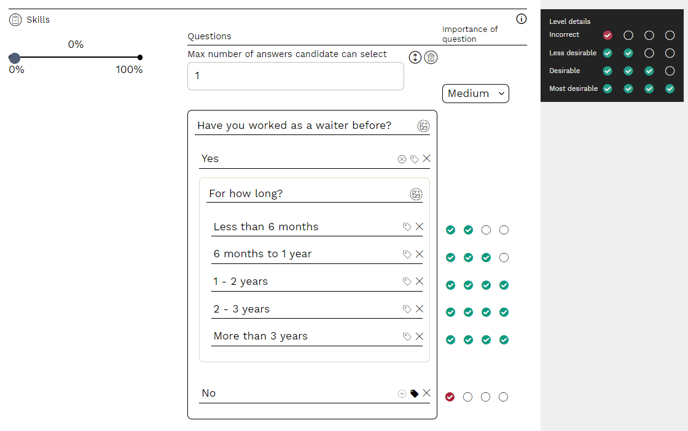
Higher uses an algorithm to calculate how well the candidate matches your requirements profile. In order for the algorithm to make a fair assessment, it is important that you weight the questions and answer options correctly.
You can put a rating level (importance of question) on the question, i.e. how important is the question itself? There are low, medium and high. A question with a high rating and its answer options are weighted more heavily than a question with a low rating.
4 green dots - Desirable answer: The answer you want to get from the candidate. Reflects what you are looking for in a CV.
3 green dots - OK answer: Meritorious/approved answer
2 green dots - less desirable answer: Not what you are looking for but not wrong either.
1 red dot - wrong answer: Obviously the wrong type of answer/trait/merit you are looking for.
Delete question
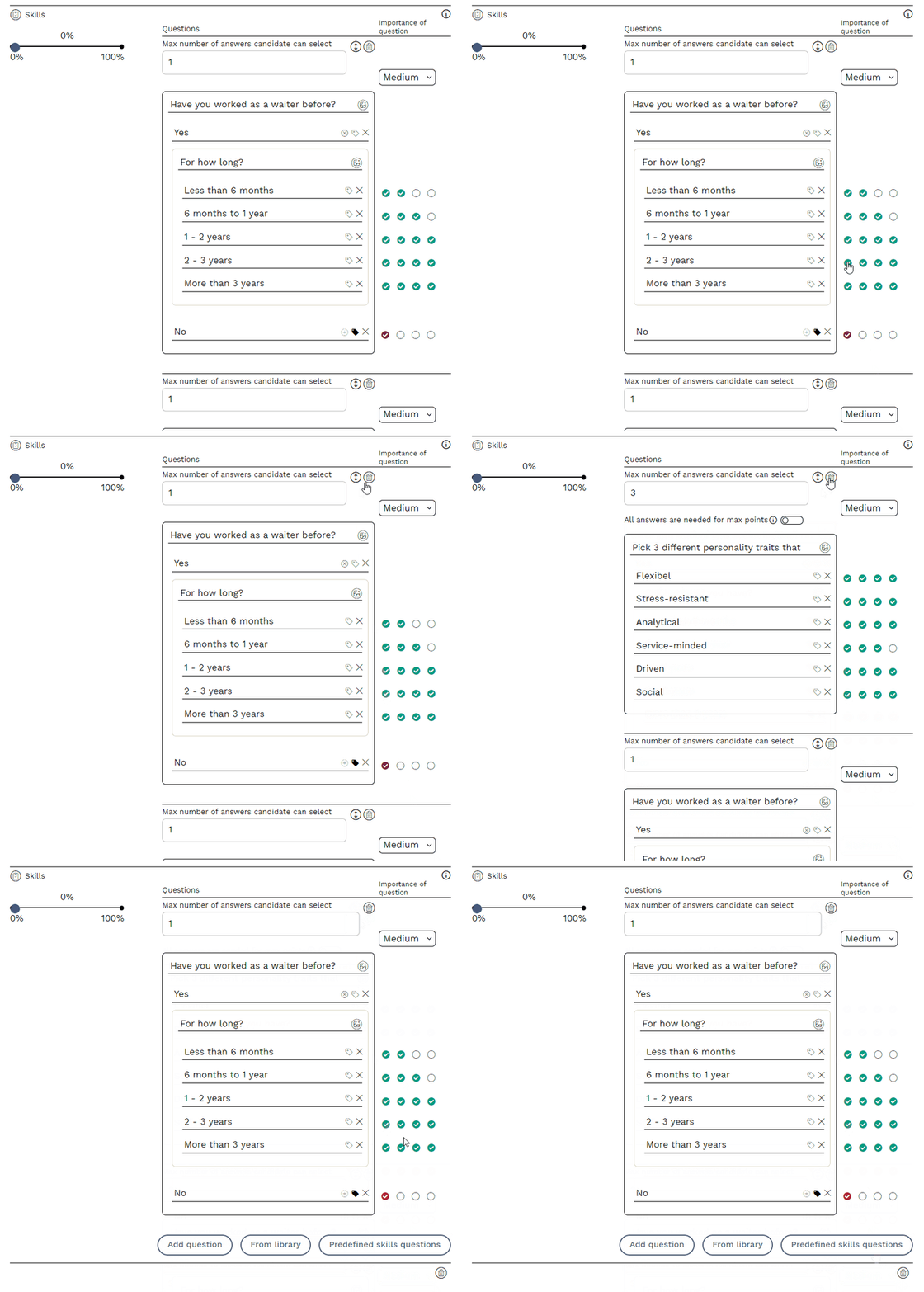
To delete a question, press the trash can button. Please note that you will not receive any confirmation when deleting questions, it will be done immediately.
Changing the order of questions
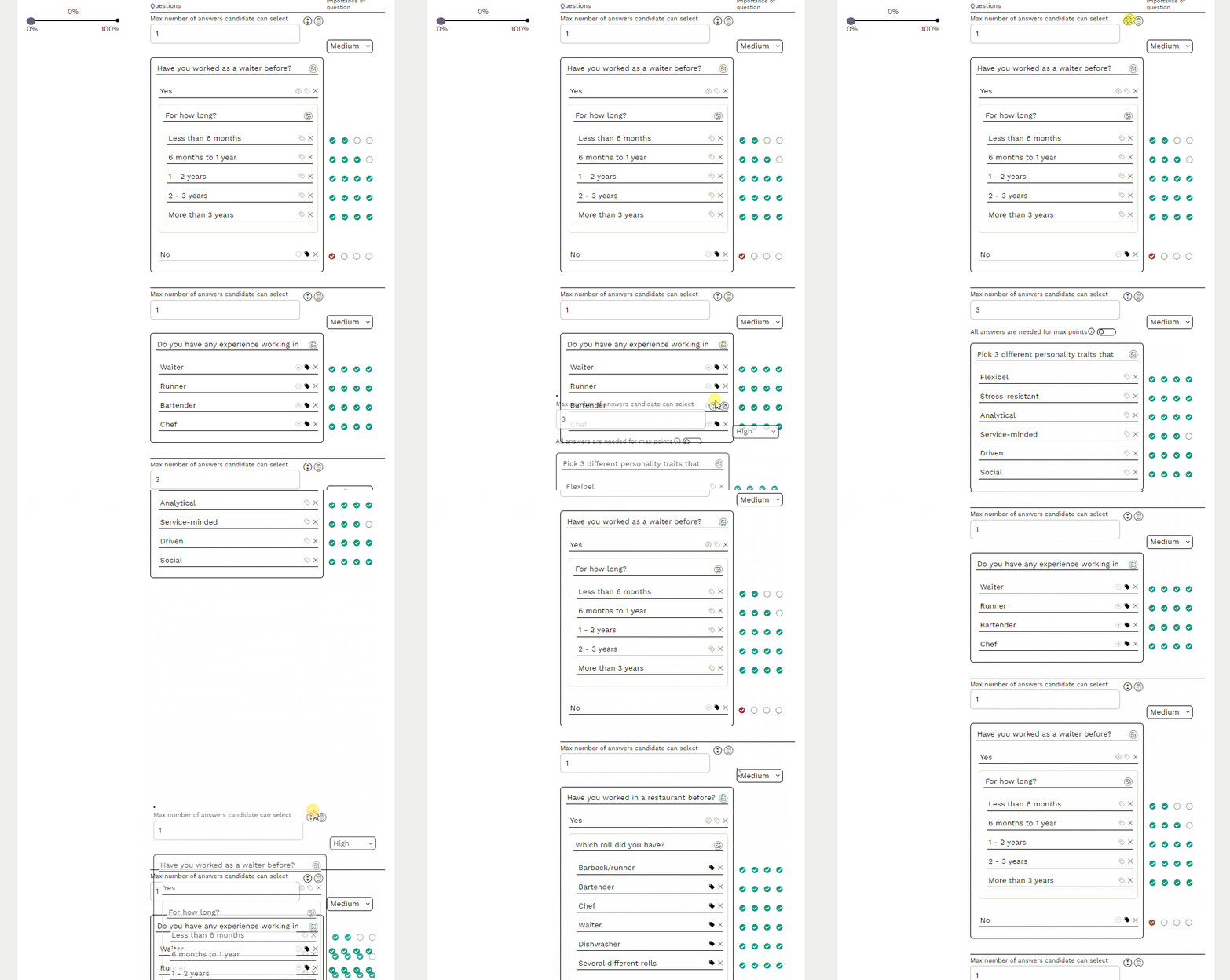
You can reorder questions by dragging and dropping them.
Add answer options
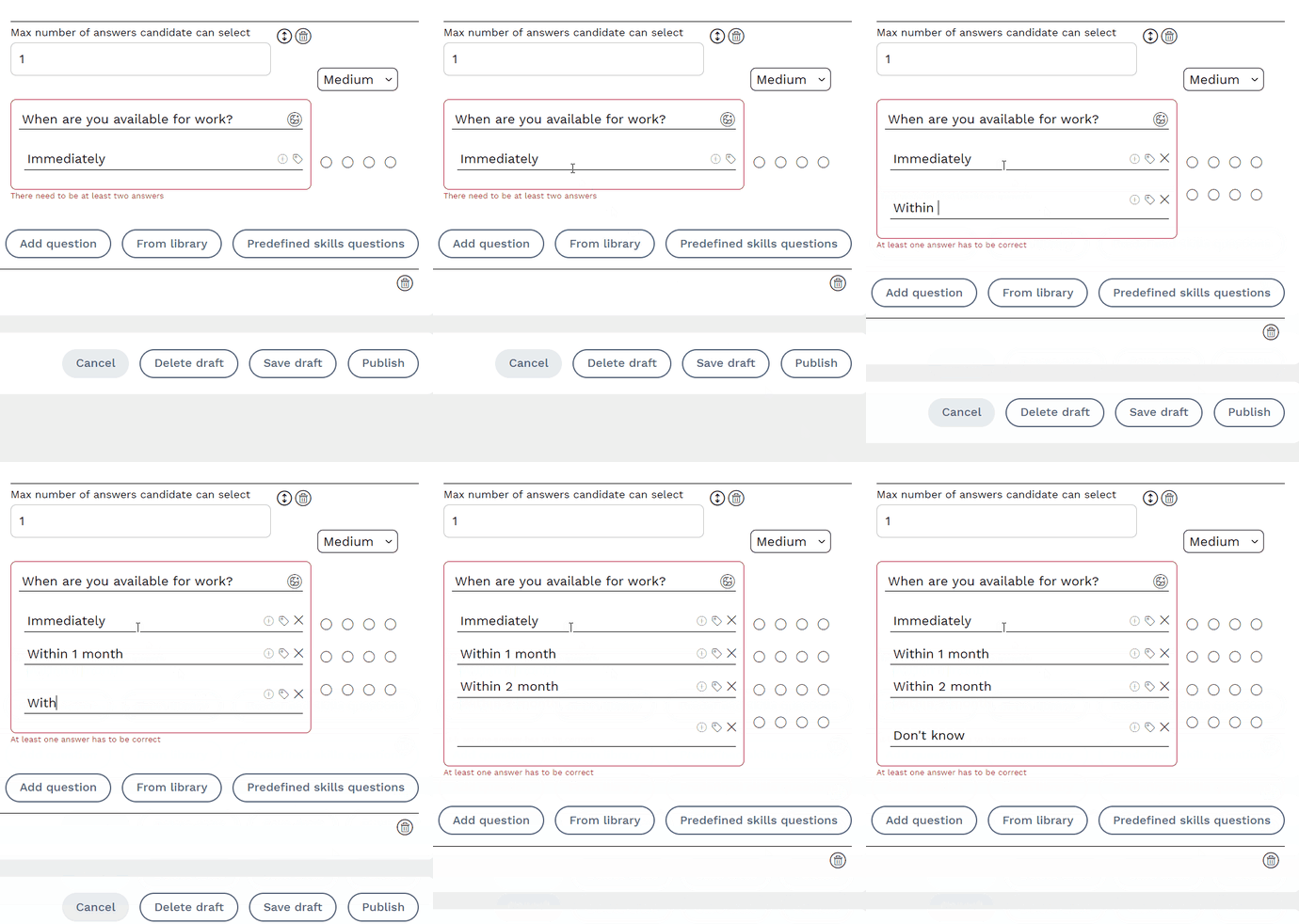
To add more answer options, press the Enter key  to get a new row.
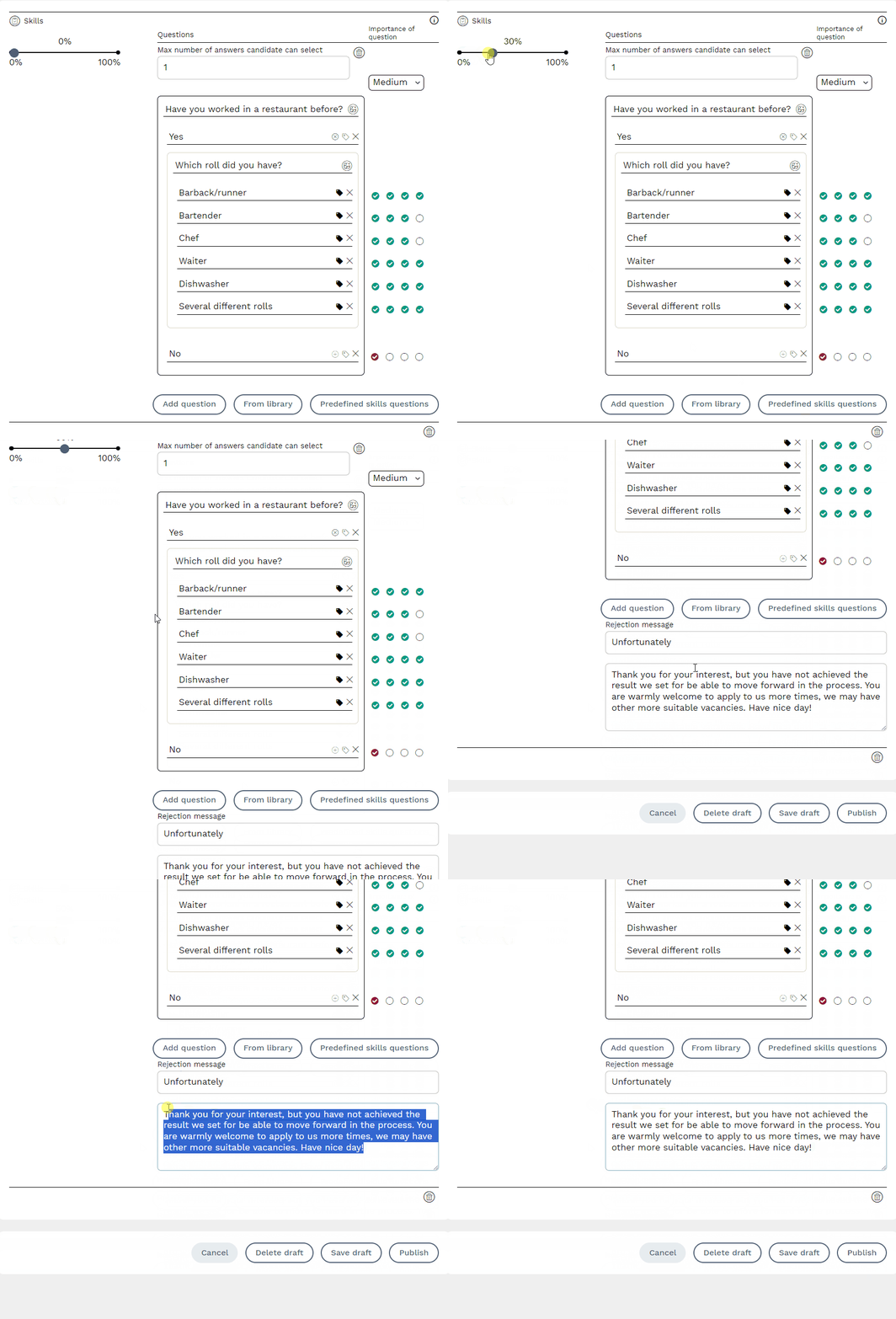
Threshold
By having a threshold in a job ad, you can have the system automatically reject candidates who do not meet your requirements. If you have a threshold of 50%, this means that all candidates who score below 50% in the Skills module are automatically rejected by the system. You can decide yourself how the thank you message should say to the candidate.
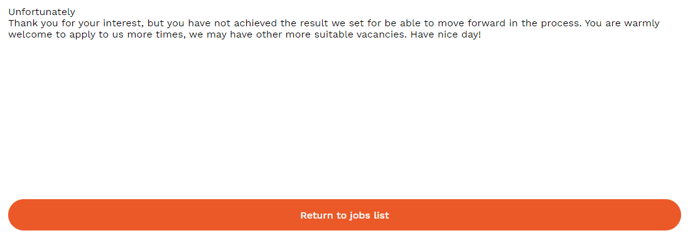
Candidates who do not reach the desired threshold will then receive a thank you message directly in the application process.
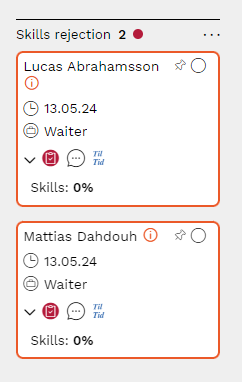
In the recruitment board, these candidates will appear in the “Skills rejection” column
Multiple answer options
You can give the candidate multiple answer options. These features can and should be used in different ways.
Example 1 - Finding out general interest
In this example, the candidate is asked to choose which department(s) they are interested in working in. As a recruiter, I don't put any value in which 5 options are chosen, therefore all answer options must be desirable in order to proceed.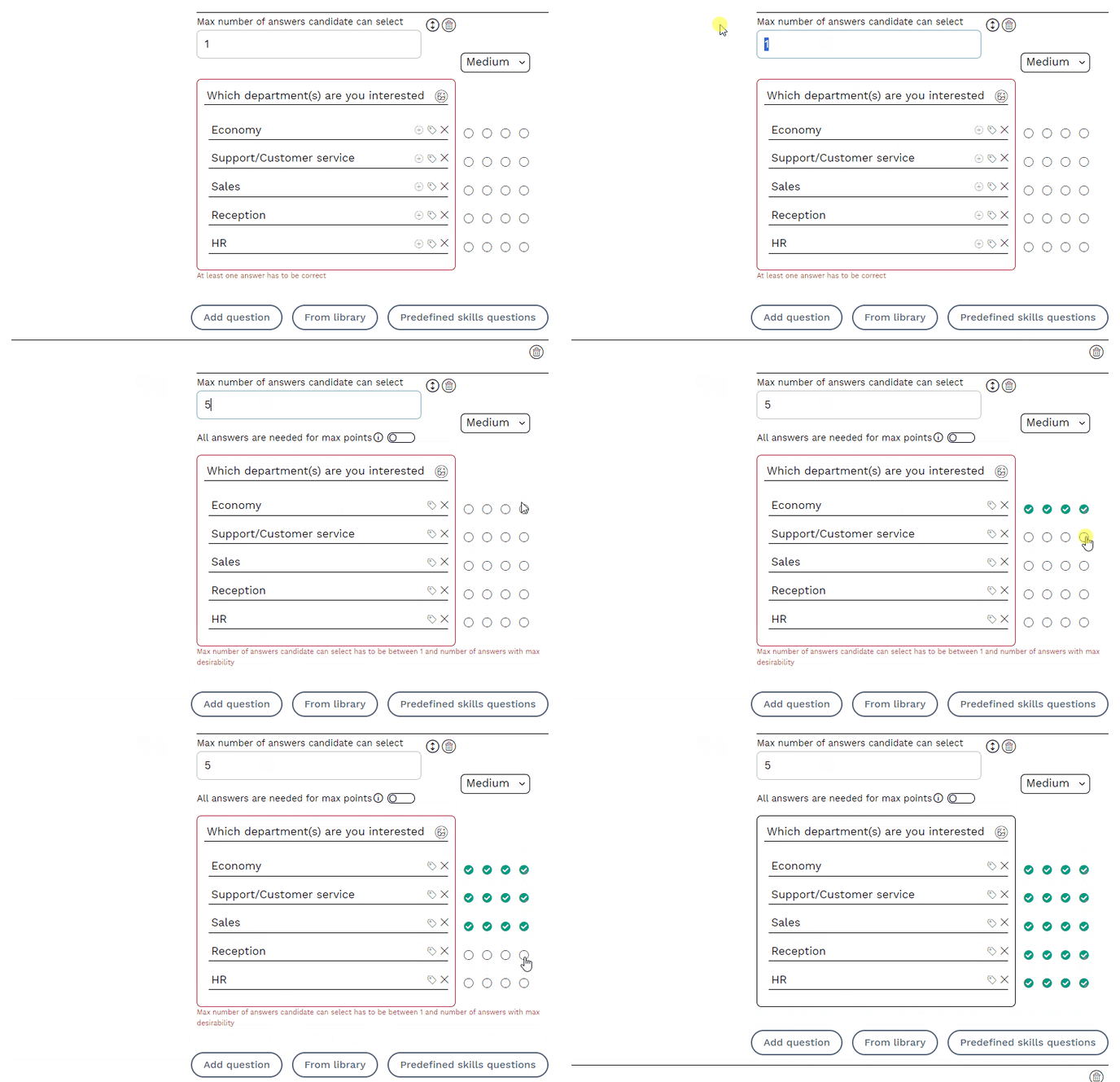
Example 2 - Test their knowledge using images/videos
You can use images/videos to test your candidates knowledge in order to ensure competence. In this example, the candidate can mark the options they think are correct. The maximum number of answers they can choose is two.
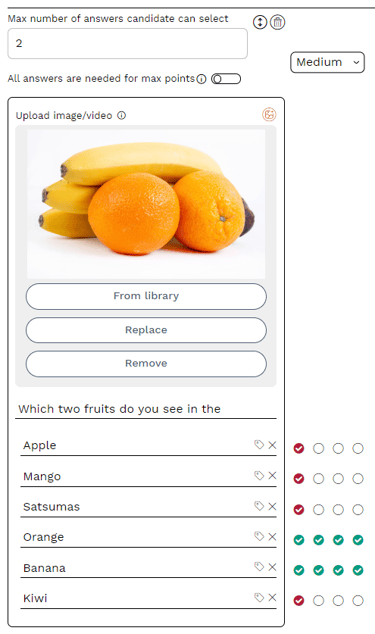
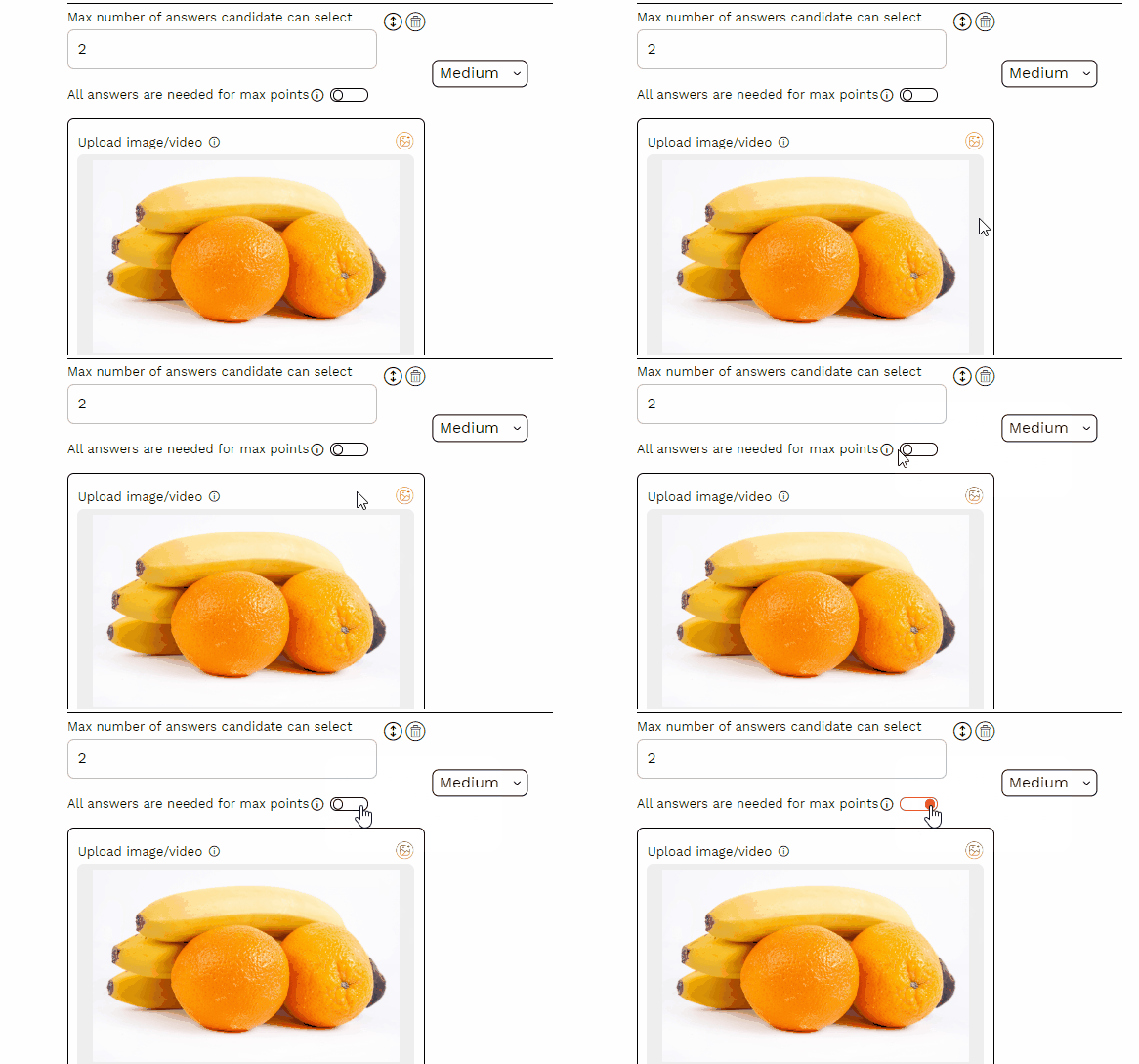
💡 For this question, it might be a good idea to activate the max points feature. By activating it, the candidate can only get 100% correct if they choose the most desirable answers. In this case, Orange and Banana.
Follow-up questions
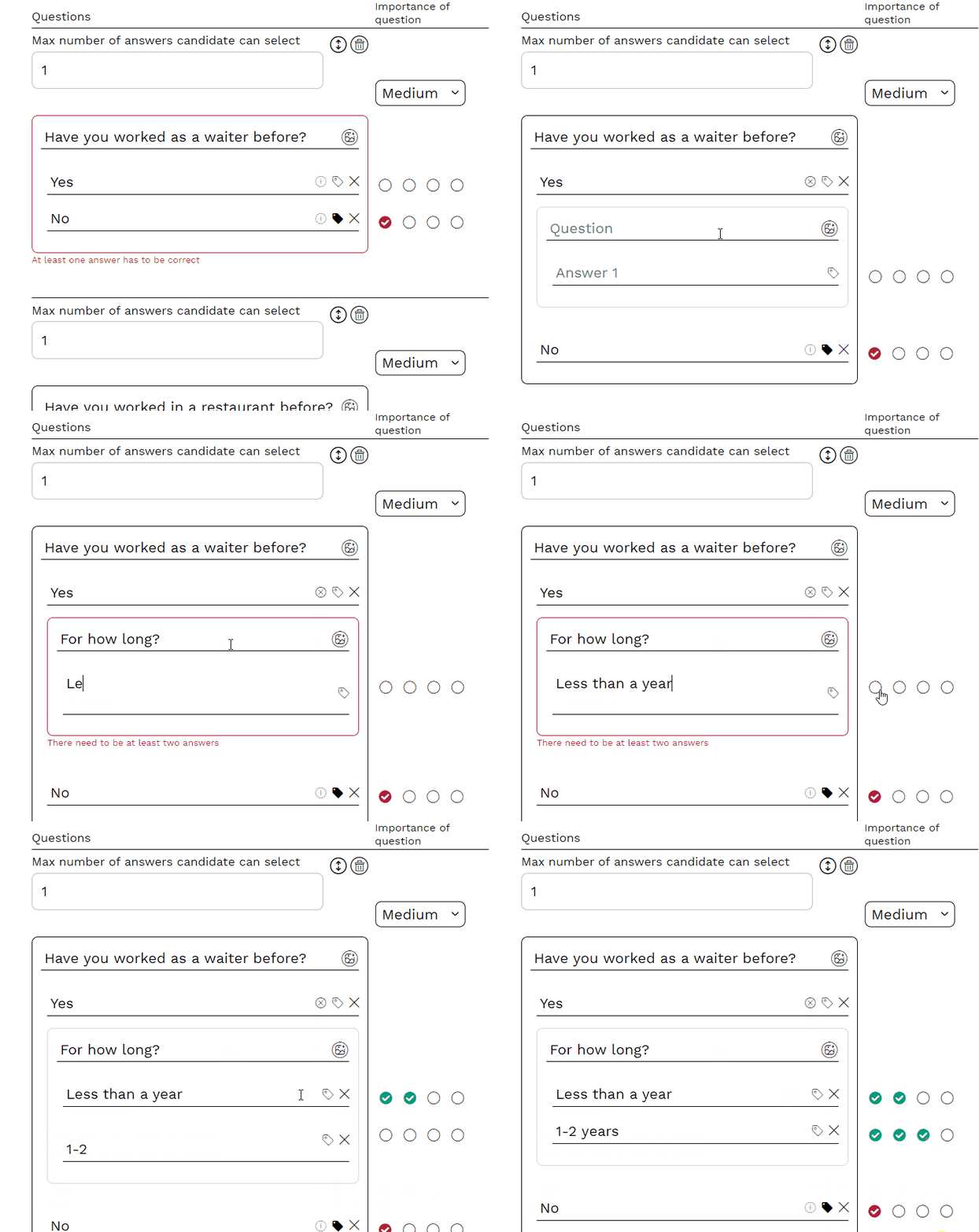
You can ask follow-up questions in Higher based on a answer the candidate chooses. The maximum number of answers the candidate can give must be one (1) for you to ask follow-up questions. You then press the plus sign in the answer options to ask your follow-up questions. It is not allowed to ask a follow-up question on a follow-up question