![logga.png]](https://forum.higher.nu/hs-fs/hubfs/logga.png?height=40&name=logga.png)
You can create a trigger that asks for a CV to your candidates.
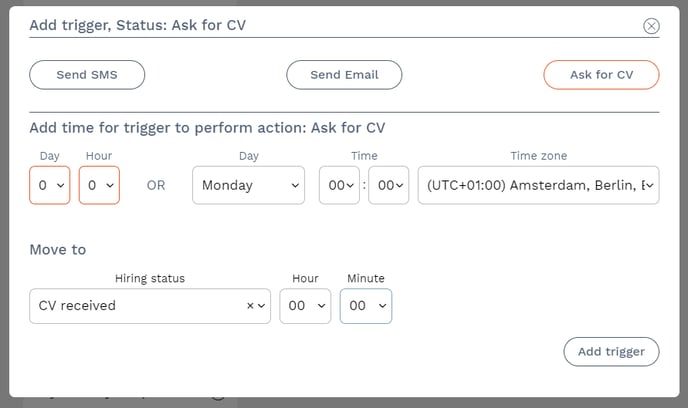
💡 You can choose to move a candidate automatically to a new hiring status when a counter-performance is fulfilled by the candidate. In above example, when the candidate replies with their CV, they will be automatically moved to hiring status "CV received" without delay.
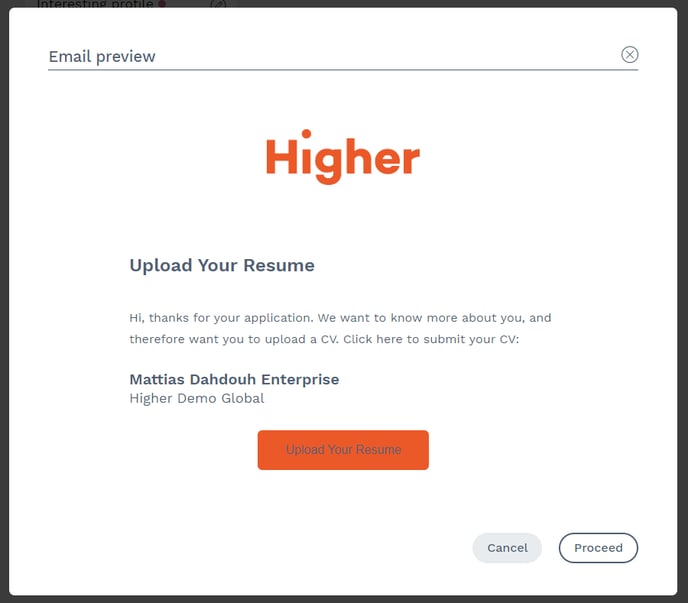
The CV request will be sent as an email by clicking on "Ask for CV". The candidate will then be able to upload a resume using any of the following formats.
- .doc
- .docx
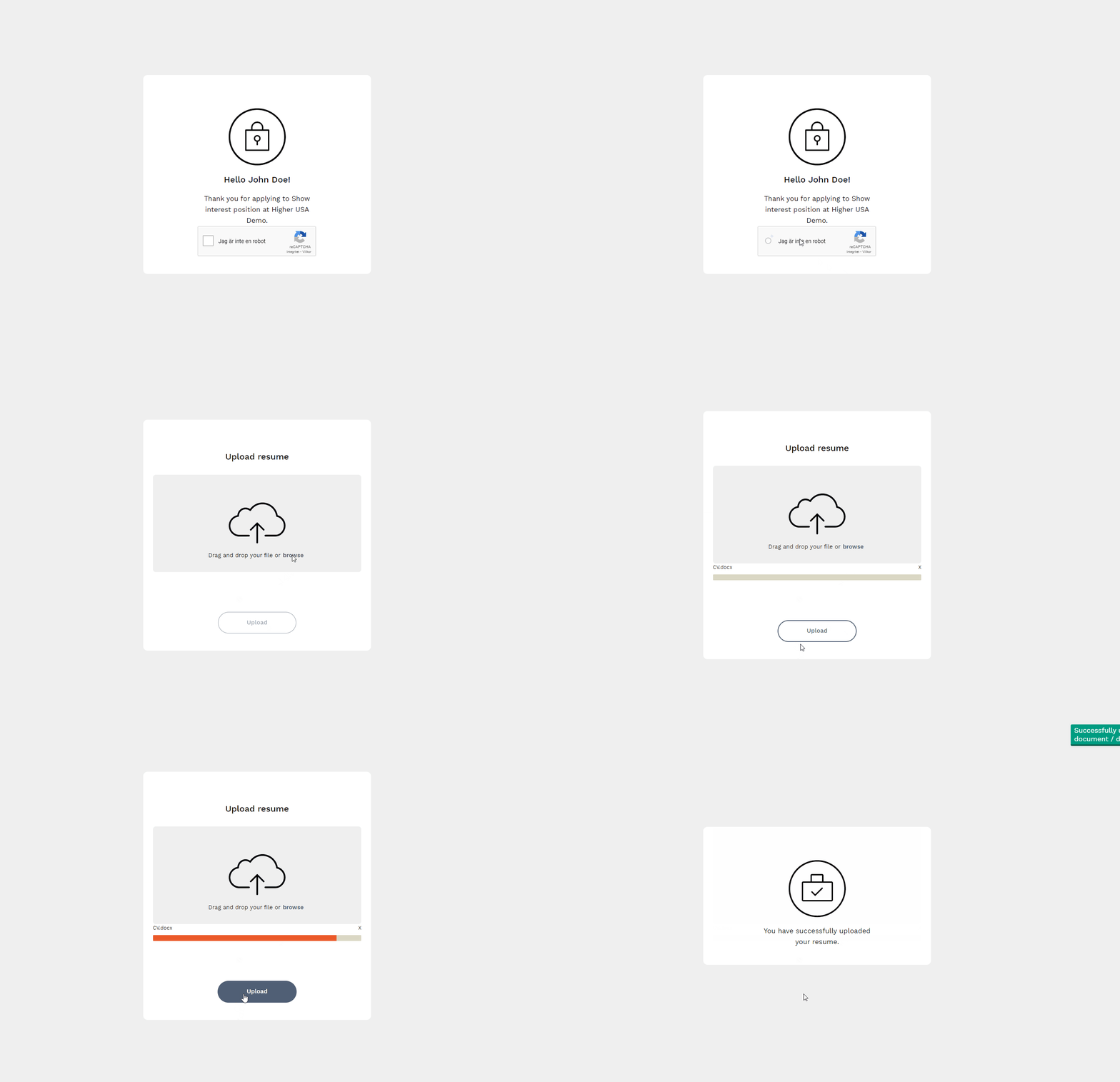
Candidates can choose to drag and drop or press browse to select their file. Once they have confirmed their file, they press "Upload" and receive a confirmation of this.
Once they have confirmed their file, they press "Upload" and receive a confirmation of this.
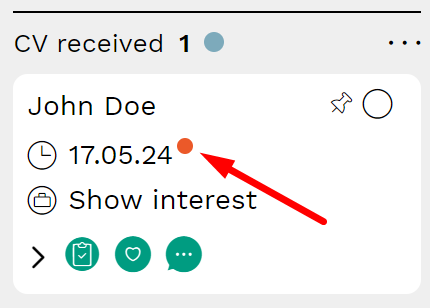
In the recruitment board, the candidate card will show an orange dot to those candidates who uploaded their CV.