![logga.png]](https://forum.higher.nu/hs-fs/hubfs/logga.png?height=40&name=logga.png)
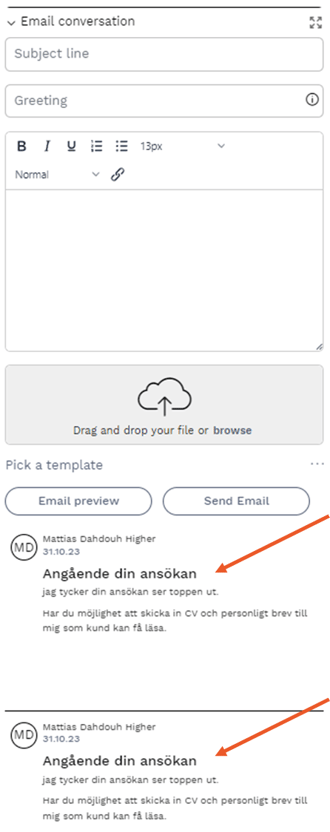
On the candidate card, you can see the two most recent messages that have been communicated with the candidate.
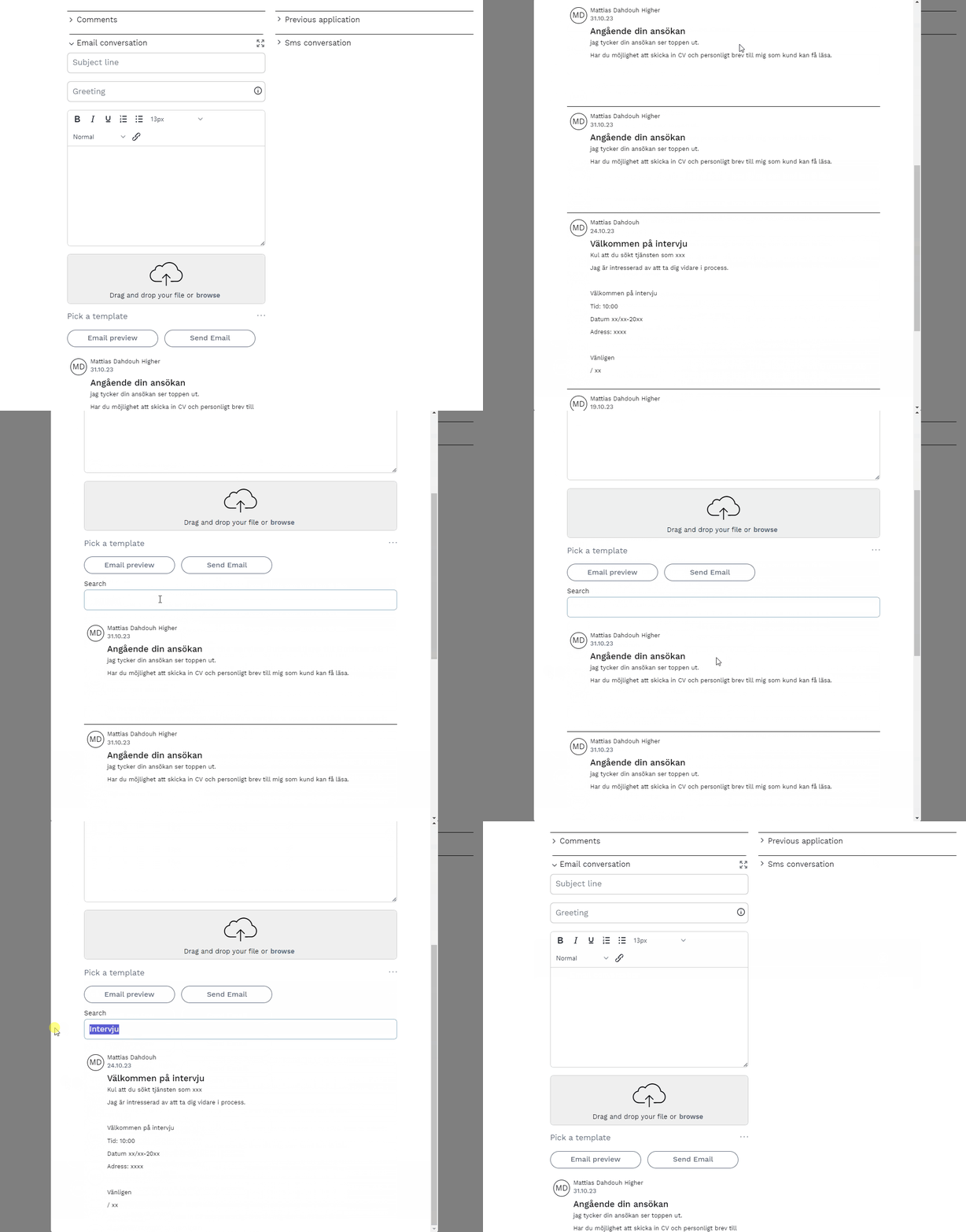
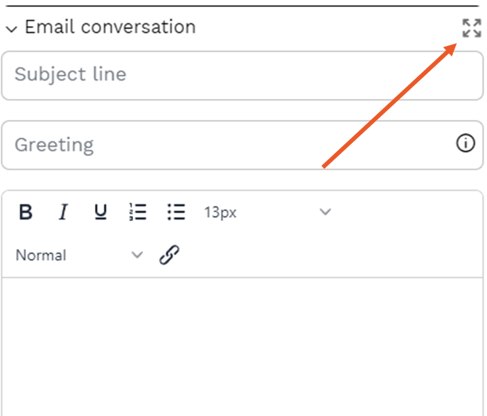
To be able to see further back in history, you need to expand the email conversation by pressing the expand symbol  .
.
Once you have expanded the window, you can easily scroll down to see more of the conversation history, and you can also use keyword search to quickly find what you are looking for.